Blog
Why You Should Use a Password Manager (and How to Choose One)
Let’s be honest — remembering passwords is a pain.
Between online banking, streaming services, shopping accounts, and social media, the average American has over 100 passwords to keep track of. No wonder so many people reuse the same one everywhere — but that’s exactly what hackers hope for.
A password manager can make your life easier and much safer. In this guide, we’ll explain why you need one, how they work, and how to pick the best one for you.
Contents
🔐 What Is a Password Manager?
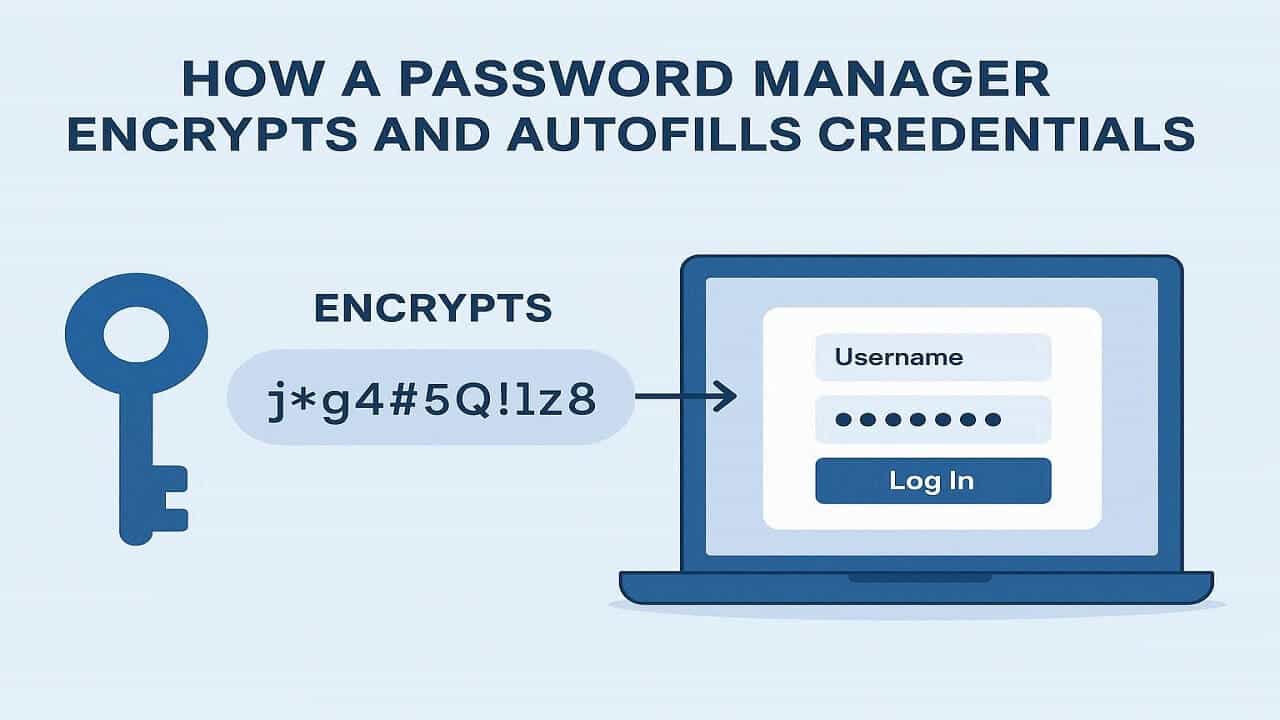
A password manager is a secure app that stores, encrypts, and autofills your passwords across all your devices. Instead of remembering dozens of logins, you only need one master password to access them all.
🧠 How It Works:
- You create a single, strong master password.
- The manager stores your logins in an encrypted “vault.”
- It auto-fills your credentials when you visit a saved site.
💥 Why You Should Use a Password Manager
1. No More Forgotten Passwords
Let’s face it — everyone has hit the “Forgot Password” button one too many times. A password manager keeps all your logins neatly organized and accessible, whether you’re on your phone or laptop.
2. Generate Strong, Unique Passwords Automatically
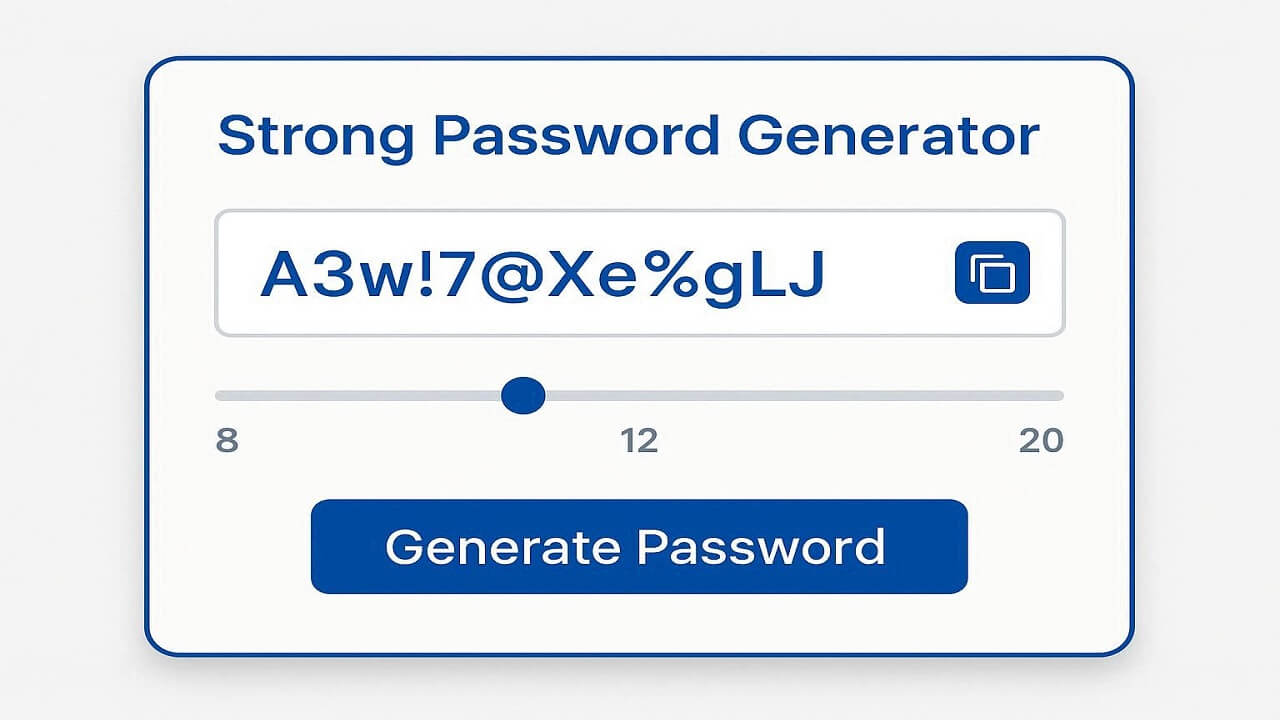
Weak passwords are the #1 reason for online account hacks. A password manager can create unbreakable, random passwords for you — no more “John123!” or “Password2025.”
3. Protect Against Phishing and Keylogging
Many managers recognize fake websites and won’t autofill your credentials on phishing pages. They also keep your keystrokes safe from malware that tries to record what you type.
Need to share your Netflix or business account safely? Many password managers include a secure sharing feature, so you never have to send passwords over text or email again.
5. Sync Across All Devices
Whether you’re on your iPhone, tablet, or Windows PC, your passwords stay synced and encrypted everywhere — only you can unlock them.
🧭 How to Choose the Right Password Manager
Not all password managers are the same. Here’s what to look for when choosing one that fits your needs.
🔒 1. Strong Encryption
Make sure the tool uses AES-256 encryption — the same standard used by banks and the U.S. government.
💡 2. Zero-Knowledge Policy
Choose a provider that can’t access your stored passwords, even if they wanted to. This means only you know your master password.
📱 3. Cross-Platform Compatibility
Ensure it works on all your devices and browsers, including iOS, Android, Chrome, Safari, and Firefox.
📞 4. Reliable Customer Support
Good support is essential if you ever lose access to your vault or have syncing issues.
💰 5. Affordable and Transparent Pricing
Many password managers offer free plans, but premium versions often include dark web monitoring, data breach alerts, and family plans.
👉 Affiliate link suggestion:
Try Dashlane or 1Password — both trusted by millions of users for easy, secure password management.
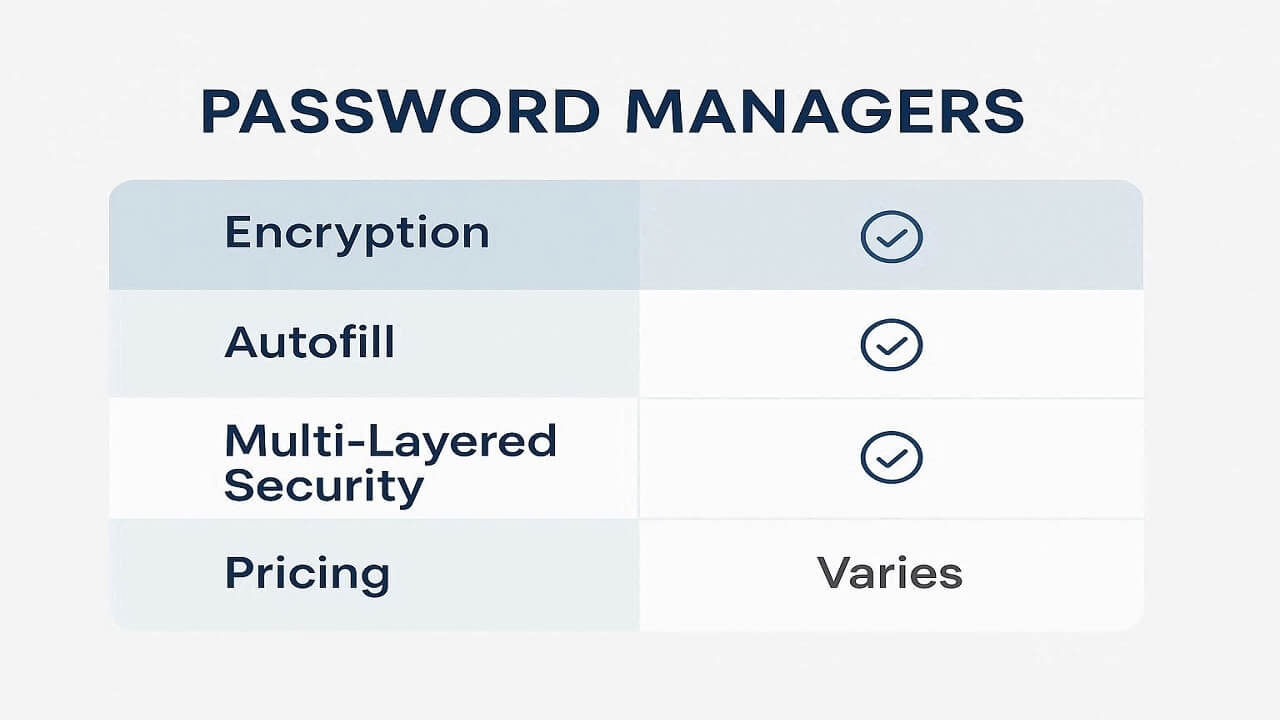
🧾 Top Recommended Password Managers for 2025
| Password Manager | Best For | Key Features | Affiliate Link |
|---|---|---|---|
| Dashlane | All-around security | Dark web alerts, VPN included | Try Dashlane |
| 1Password | Families & Teams | Secure sharing, watchtower alerts | Try 1Password |
| Bitwarden | Budget-friendly | Open source, free plan available | Try Bitwarden |
| NordPass | Simplicity & speed | Biometric login, strong encryption | Try NordPass |
💬 Common Questions About Password Managers
Are password managers really safe?
Yes — they use encryption to lock your data, meaning even the company itself can’t see your passwords.
What happens if I forget my master password?
Some managers allow emergency recovery, but most can’t reset it for you (for your safety). Keep your master password stored somewhere secure offline.
Can hackers still break into my password manager?
Theoretically possible, but extremely difficult. Using 2FA and a strong master password makes it nearly impossible.
✅ Final Thoughts
Using a password manager isn’t just about convenience — it’s about protecting your online life. With just one tool, you can safeguard hundreds of accounts, avoid data breaches, and finally stop worrying about forgotten logins.
👉 Affiliate link suggestion (CTA):
Ready to get started? Try Dashlane or 1Password — trusted tools that keep your passwords safe, secure, and stress-free.