Blog
How to Spot and Avoid Phishing Emails in 2025
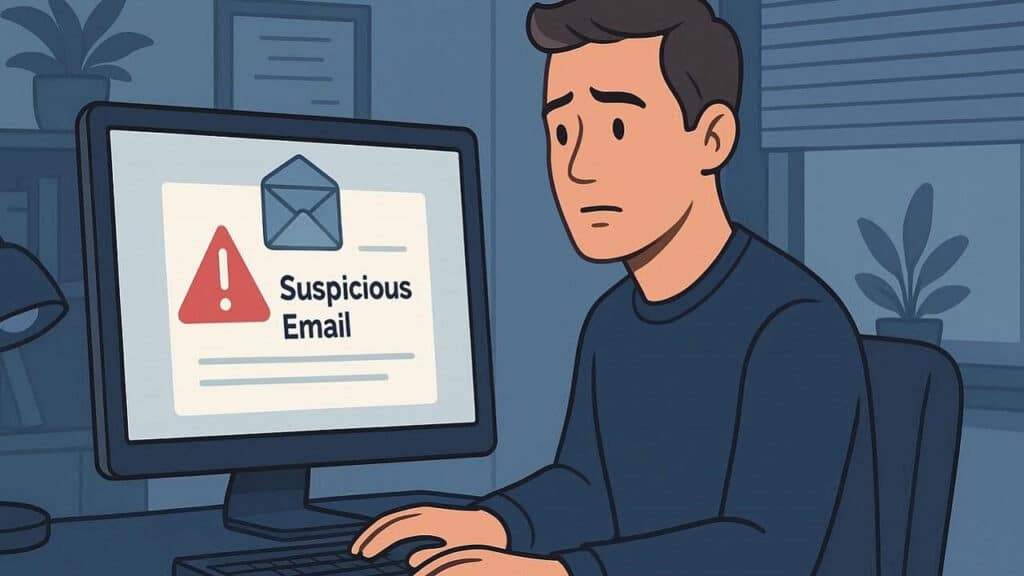
Phishing scams have been around for decades, but in 2025, they’re more convincing than ever. Cybercriminals use smart tricks, AI-generated messages, and fake websites that look real enough to fool anyone. The good news? With the right knowledge, you can spot these scams before they get you.
What Is a Phishing Email?
A phishing email is a fake message that pretends to come from a trusted source — like your bank, PayPal, or even a friend. The goal? To trick you into sharing sensitive information such as passwords, credit card numbers, or your Social Security number.
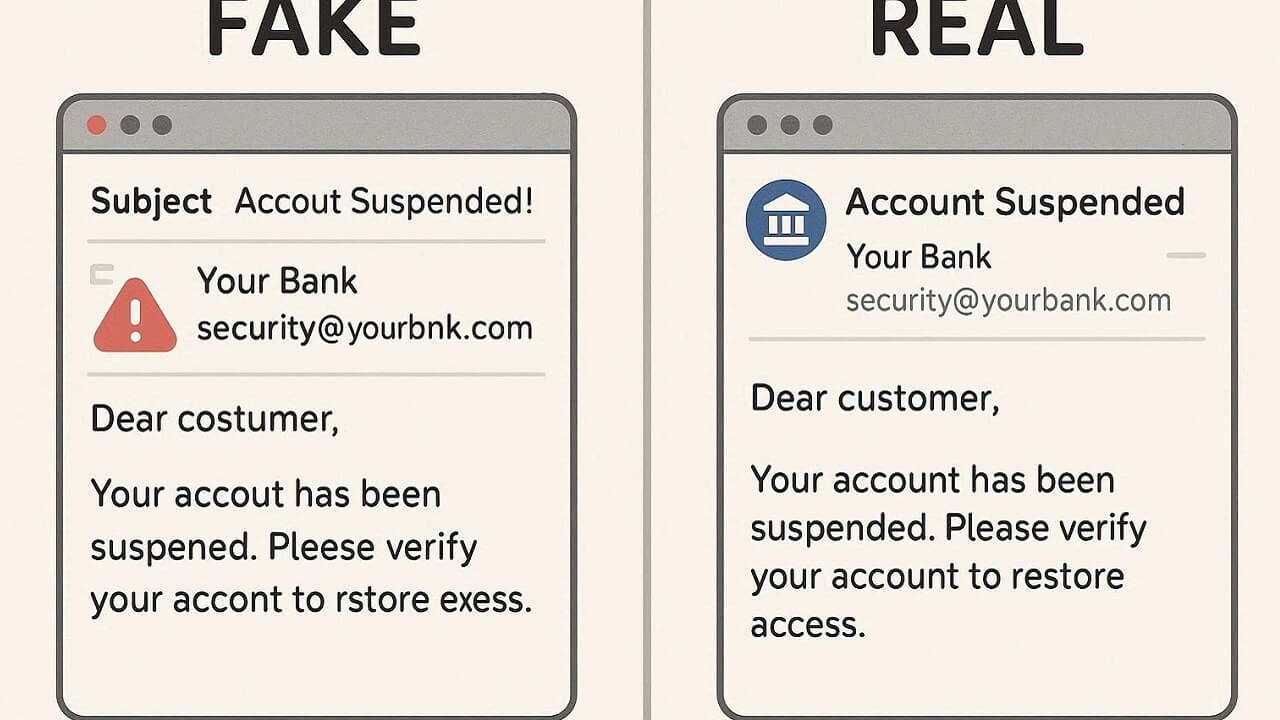
These emails often include urgent requests like:
- “Your account has been compromised! Click here to verify.”
- “We noticed suspicious activity — log in now.”
- “Your package couldn’t be delivered. Confirm your address.”
Contents
How to Spot a Phishing Email in 2025
Here are the most common warning signs that an email might be a phishing attempt:
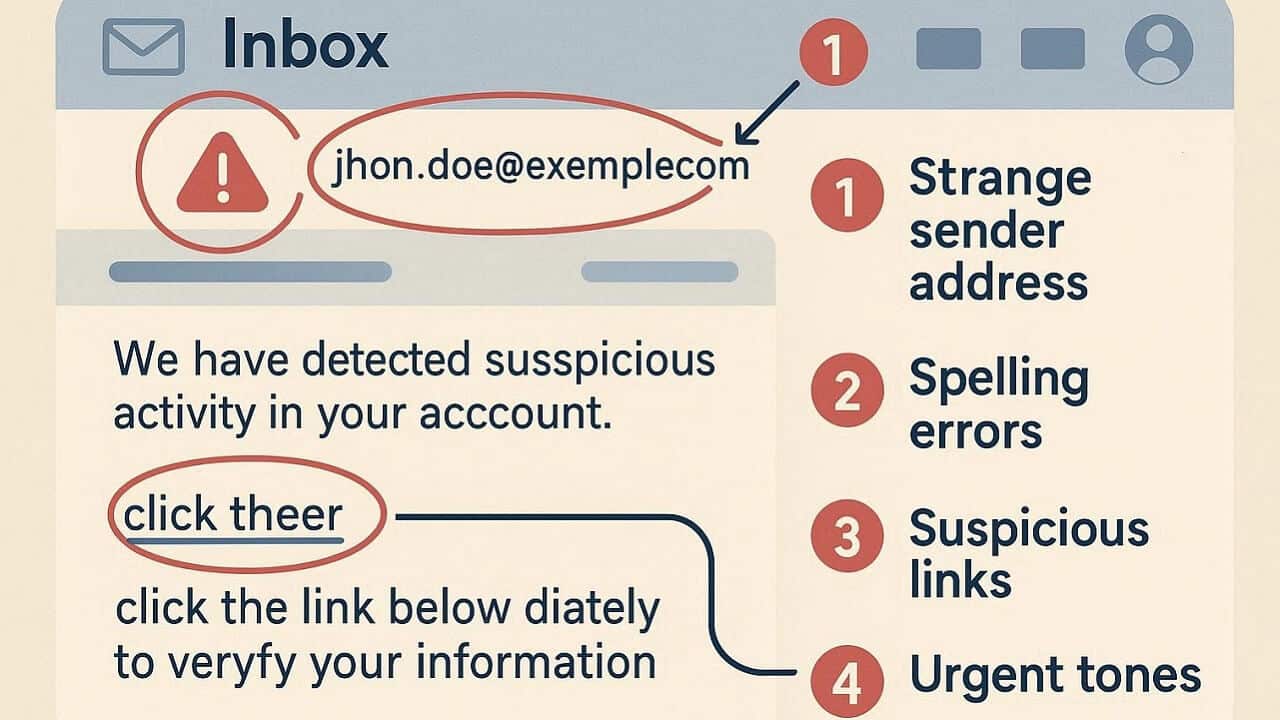
1. The sender’s email address looks suspicious
Always check the “From” field. Scammers use lookalike domains — for example, “supp0rt@paypaI.com” instead of “support@paypal.com.”
2. The message creates a sense of urgency
Phishers want you to act fast. If an email says your account will be locked or your money will be lost unless you click now — stop and verify first.
3. There are unexpected attachments or links
Never download attachments or click links from unknown senders. These often lead to fake login pages or malware downloads.
4. Grammar and tone feel off
Even with AI, scammers still make subtle mistakes — odd phrasing, missing punctuation, or strange greetings like “Dear user.”
What to Do If You Clicked a Phishing Link
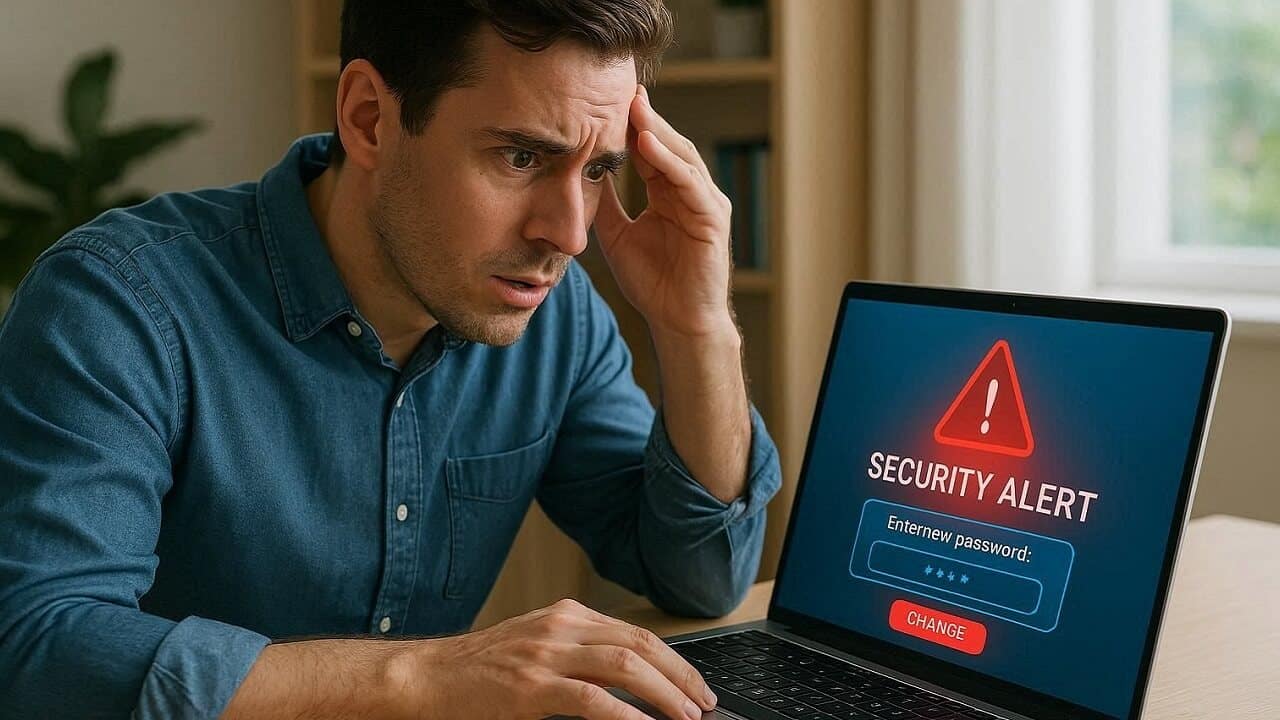
If you realize you clicked on a phishing link or entered information into a fake site, act quickly:
- Change your passwords immediately — especially for the affected accounts.
- Enable two-factor authentication (2FA) to add an extra layer of protection.
- Run a full malware scan using a trusted security tool.
- Consider freezing your credit and monitoring your identity for suspicious activity.
For stronger protection, consider using an identity theft protection service like Aura or Identity Guard — they monitor your personal data and alert you instantly if something looks off.
Best Tools to Stay Safe from Phishing
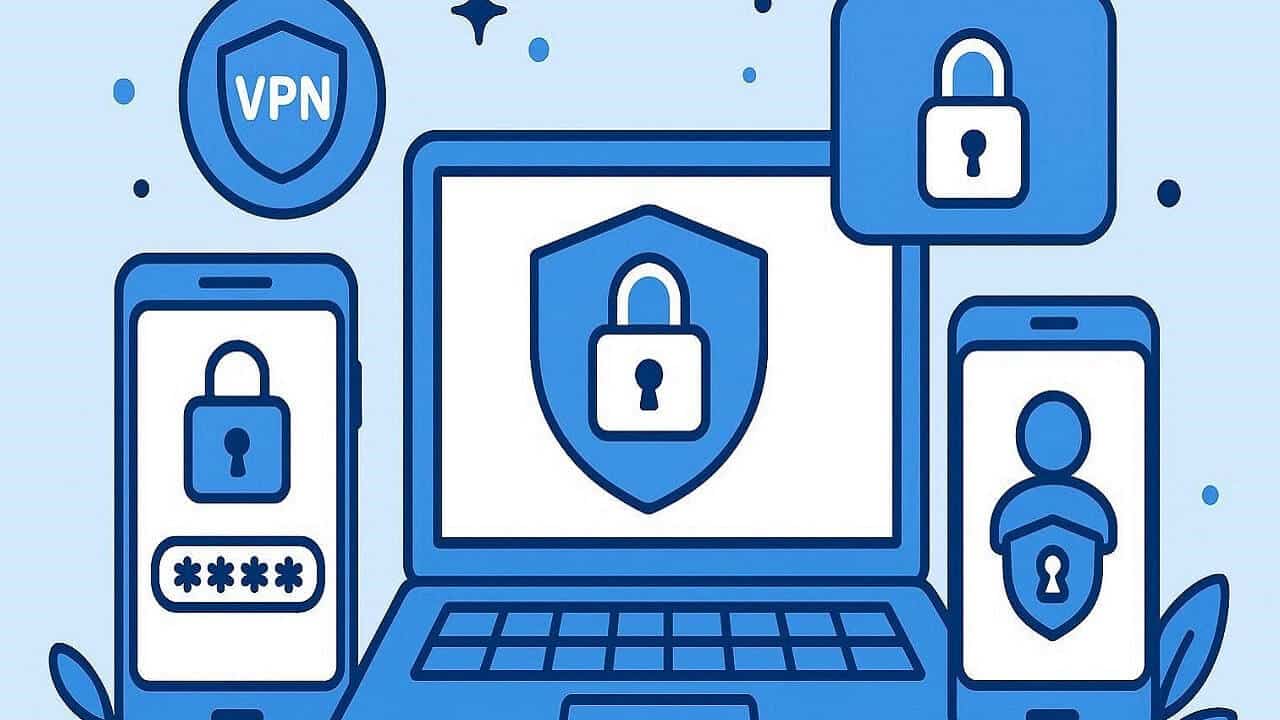
- NordVPN – Encrypt your connection and block malicious websites automatically.
- Dashlane – Securely manage passwords and autofill logins safely.
- LifeLock – Get identity theft alerts and financial protection coverage.
Final Thoughts
Phishing scams are getting smarter, but you can stay one step ahead by staying alert and using the right tools. Don’t let scammers steal your peace of mind — slow down, double-check, and protect your data every time you open an email.

Stay safe, stay smart, and keep your digital life secure.
