Blog
10 Simple Steps to Protect Your Personal Information Online
In today’s digital world, your personal data is more valuable than ever. Unfortunately, it’s also more vulnerable. Whether it’s hackers, data brokers, or phishing scams — protecting your personal information online is no longer optional. The good news? You don’t need to be a tech expert to stay safe and protect personal information online. By following these guidelines, you can effectively protect personal information online.
Let’s go over 10 simple, practical steps you can take today to protect your online privacy and keep your information out of the wrong hands.
Implementing these tips will help you better protect personal information online and enhance your overall security.
Contents
- 🧩 1. Use Strong, Unique Passwords for Every Account
- 🔐 2. Turn On Two-Factor Authentication (2FA)
- 🧠 3. Be Careful with What You Share on Social Media
- 🛡️ 4. How to Protect Personal Information Online with a VPN on Public Wi-Fi
- 🧾 5. Monitor Your Credit and Identity Regularly
- 📧 6. Don’t Click Suspicious Links or Attachments
- 💻 7. Keep Your Software Updated
- 🧹 8. Limit the Apps and Extensions You Install
- 🏠 9. Secure Your Home Wi-Fi Network
- 🧰 10. Back Up Your Data Securely
- ✅ Final Thoughts
🧩 1. Use Strong, Unique Passwords for Every Account
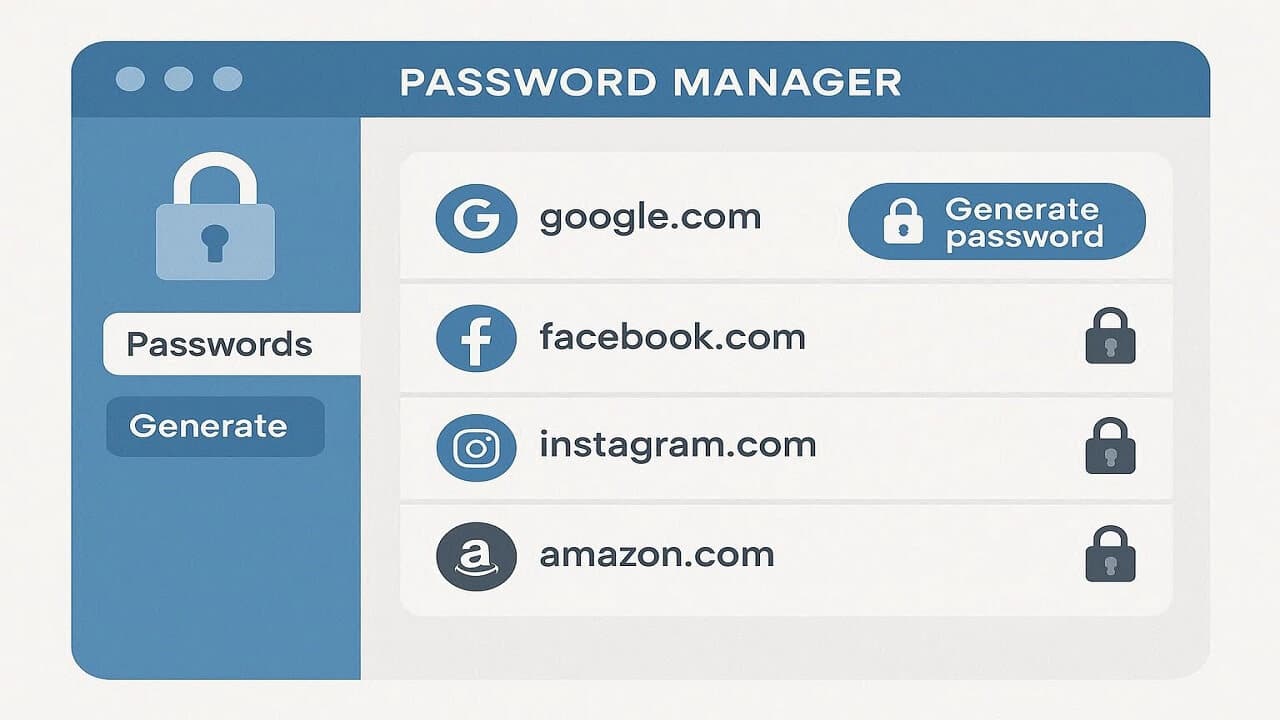
One of the easiest ways to protect your personal information is by using strong passwords — and never reusing them.
- Use at least 12 characters.
- Combine letters, numbers, and symbols.
- Avoid using personal details like your birthday or pet’s name.
Affiliate tip: Consider using a password manager like Dashlane or 1Password to generate and store complex passwords safely.
🔐 2. Turn On Two-Factor Authentication (2FA)
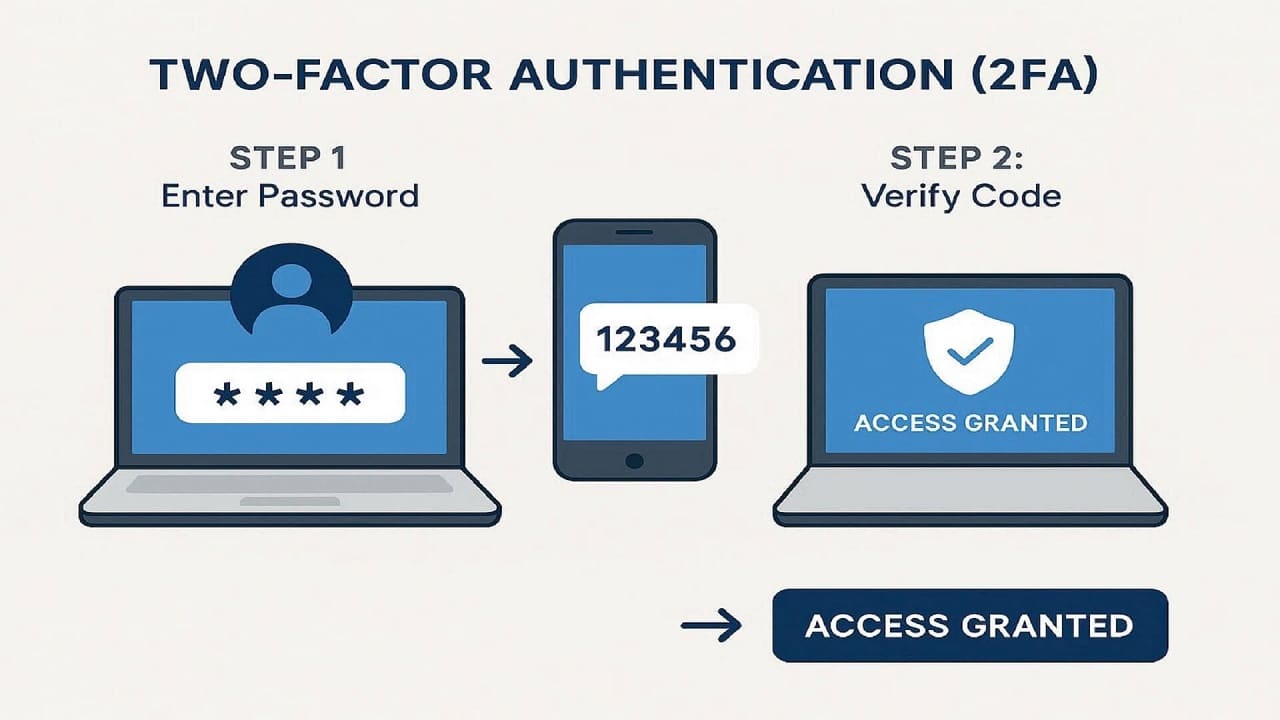
Two-factor authentication is a critical step to protect personal information online, providing an additional layer of security for your accounts.
Even the strongest password can be stolen. That’s why two-factor authentication (2FA) adds an extra layer of protection by requiring a second step — like a text code or authentication app.
Pro tip: Use an app-based authenticator (like Google Authenticator or Authy) instead of SMS for better security.
It’s easy to overshare online. Scammers can use personal details from your profiles to guess passwords or answer security questions.
- Keep your birthday, address, and phone number private.
- Review your privacy settings regularly.
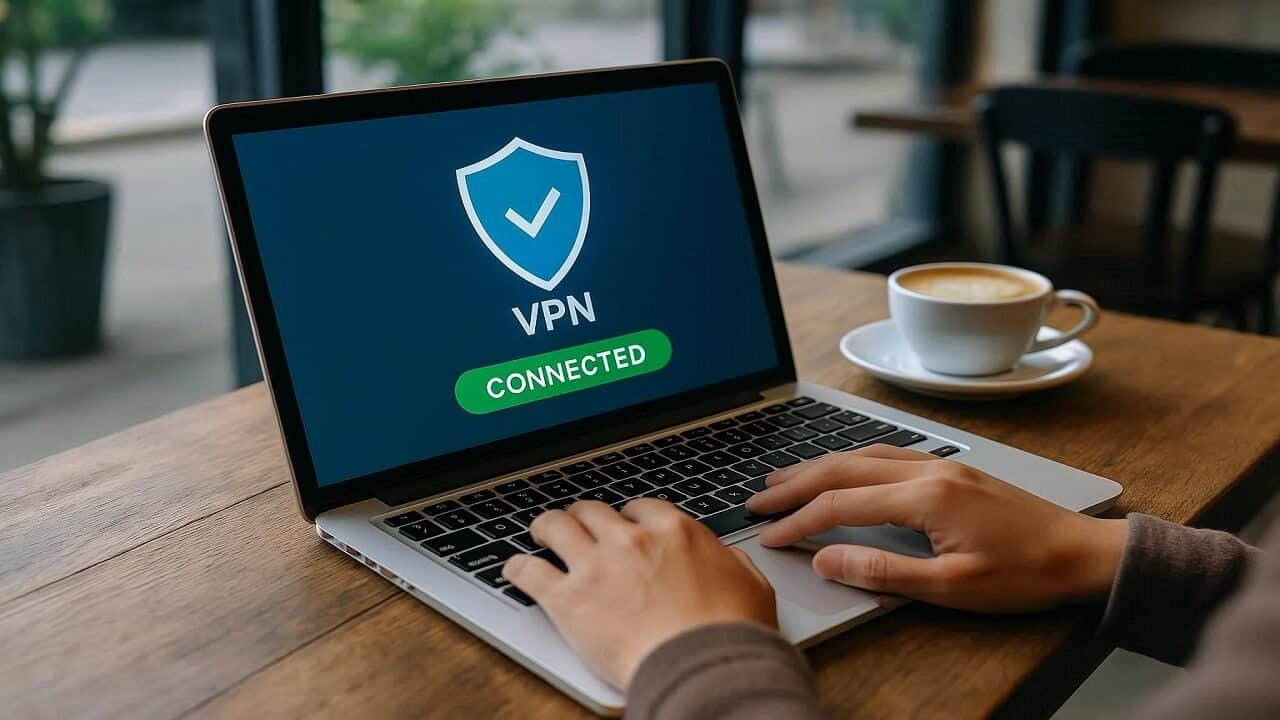
🛡️ 4. How to Protect Personal Information Online with a VPN on Public Wi-Fi
Using a VPN is essential to protect personal information online, especially when connecting to public Wi-Fi networks.
Public Wi-Fi networks (in cafés, airports, hotels) are a hacker’s dream. A Virtual Private Network (VPN) encrypts your connection and keeps your data safe from snoopers.
Affiliate tip: Try NordVPN or Surfshark — both are trusted VPN services that work great on laptops and phones.
🧾 5. Monitor Your Credit and Identity Regularly
Regular monitoring helps you quickly identify any issues, ensuring that you can protect personal information online effectively.
Identity theft can go unnoticed for months. Stay one step ahead by keeping an eye on your credit reports and personal data.
You can get a free credit report once a year at AnnualCreditReport.com.
Affiliate tip: Consider an identity theft protection service like Aura or IdentityGuard that provides 24/7 monitoring and alerts.
📧 6. Don’t Click Suspicious Links or Attachments
Being cautious about links can significantly help protect personal information online and prevent phishing attacks.
Phishing emails look more realistic than ever. If something feels off, don’t click it. Always check the sender’s email address and hover over links before opening them.
Rule of thumb: When in doubt, type the URL manually into your browser.
💻 7. Keep Your Software Updated
Those annoying software updates? They’re actually protecting you. Updates patch security vulnerabilities that hackers love to exploit.
Make it easy: Turn on automatic updates for your operating system, browser, and apps.
🧹 8. Limit the Apps and Extensions You Install
Limiting app installations is a proactive way to protect personal information online from potential vulnerabilities.
Every app or browser extension you install is a potential data leak. Stick with well-known, verified ones and delete what you don’t use.
Tip: On your phone, review app permissions and disable anything unnecessary (like location tracking).
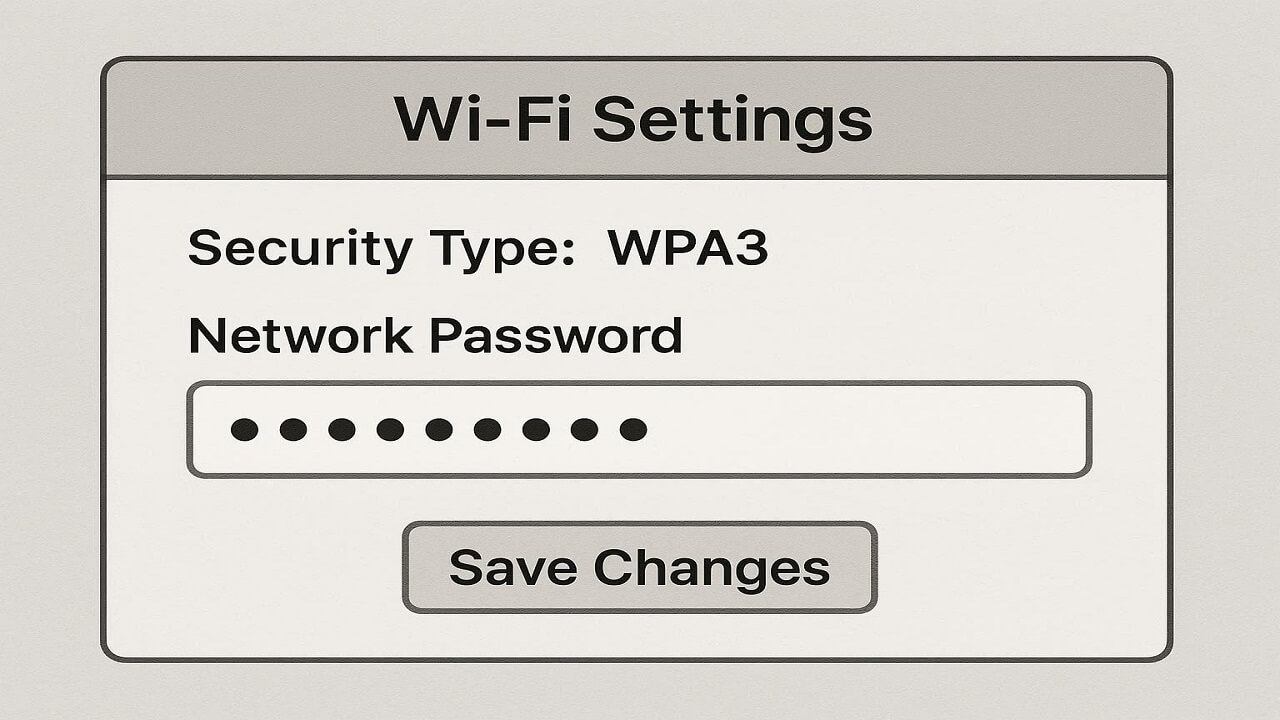
🏠 9. Secure Your Home Wi-Fi Network
Change your default Wi-Fi name and password right away. Set your router to WPA3 encryption if available, and hide your SSID if you want extra privacy.
🧰 10. Back Up Your Data Securely
Backing up your data securely is an important practice that can help protect personal information online in case of a security breach.
If malware or ransomware hits, backups can save your life (and your files).
- Use an encrypted cloud service like Backblaze or iDrive.
- Keep an offline backup on an external hard drive too.
✅ Final Thoughts
Ultimately, the goal is to protect personal information online and ensure that you are taking the necessary steps for your digital safety.
Online privacy might feel overwhelming, but small steps make a big difference. Start with one or two changes today — like using a VPN or password manager — and build from there.
Protecting your personal data is not just about technology; it’s about peace of mind.